Select one object
Mask or cut out a named thing.
Synopsis
motif segment [what] [image-or-video] [options]Example
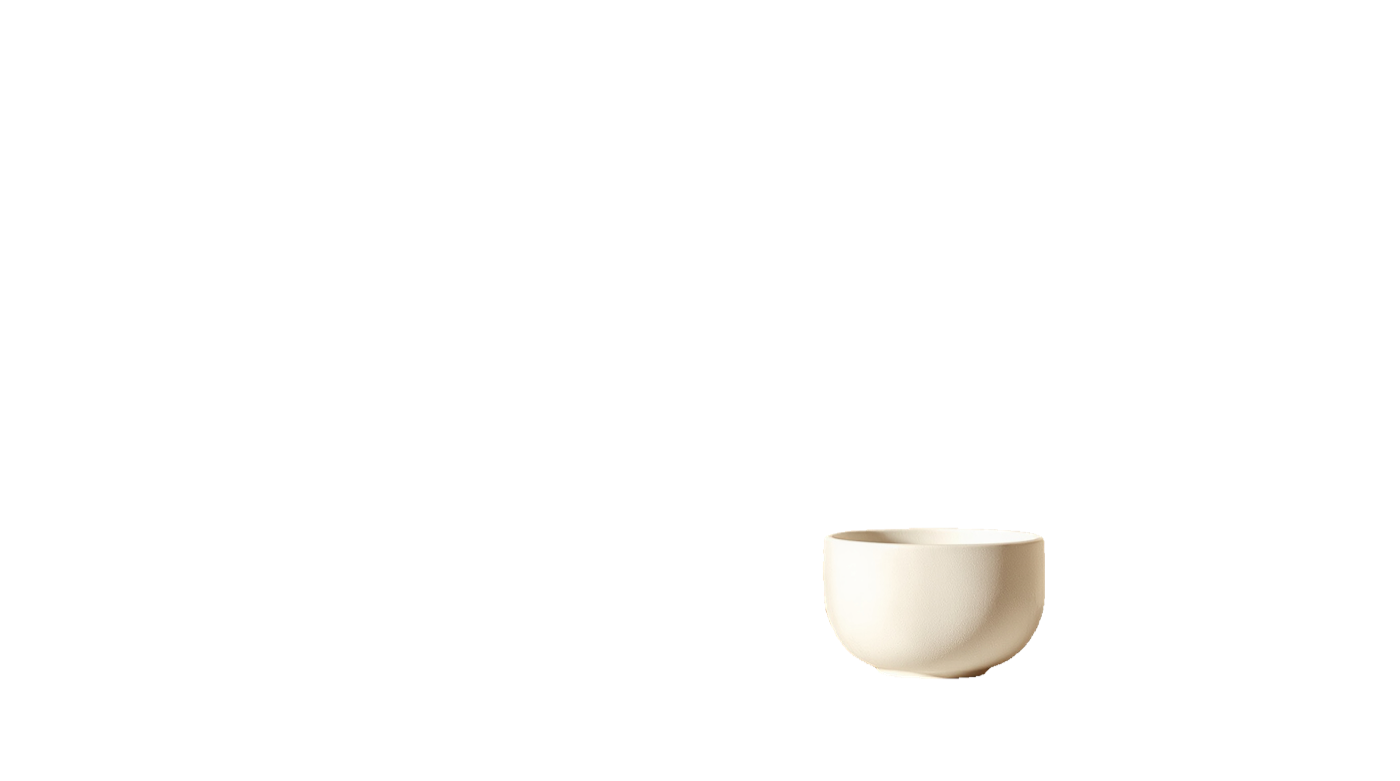
The bowl alone, on transparency, at the edge it actually has.
motif segment "the bowl" shelf.jpg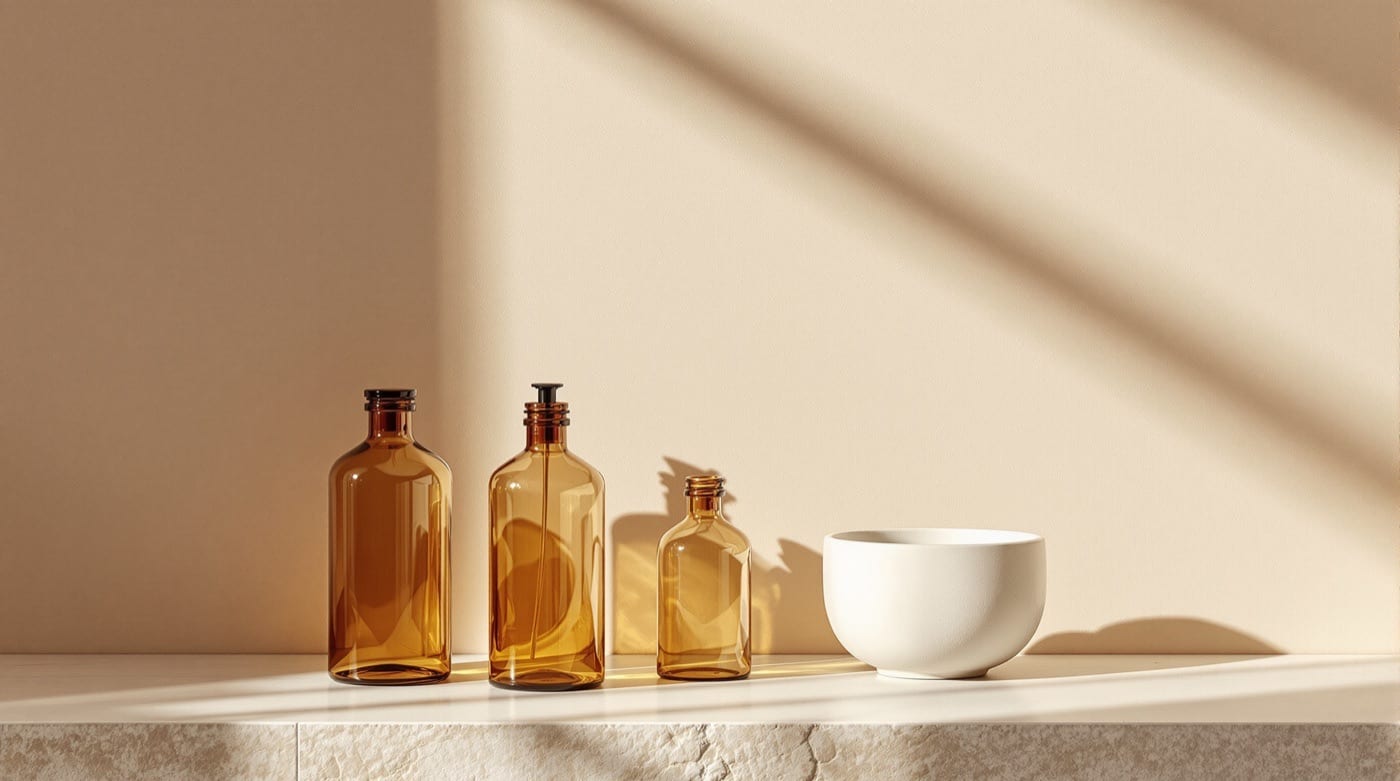
Options
| Flag | What it does |
|---|---|
--auto |
Segment every region without a prompt. |
--rle |
Return run-length encoded masks. |
--tier <tier> |
Trade cost against quality: fast, balanced, quality. |
--dry-run |
Validate and price the call without running it. |
It also takes the common options.
Models and price
Motif picks the Model for the Tier. Prices are per image where a Model has one; any other shows how it is billed. A rate that depends on the size of the file or the length of the clip is a rate, not a total, so check it with a dry run.
| Model | Chosen at | Price |
|---|---|---|
| SAM 3 Image | Balanced | $0.005 |
| SAM 3 Video | Balanced | $0.005/16 frames of video input |
| SAM 2 Auto Segment | Balanced, with --auto |
$0.000 |
| SAM 3 Image RLE | Balanced, with --rle |
$0.005 |
| SAM 3 Video RLE | Balanced, with --rle |
$0.005/16 frames of video |
| SAM 3.1 Image | Quality | $0.010 |
| SAM 3.1 Video | Quality | $0.01/16 frames of video input |
Dry run
Check the cost before you spend. The output path is where the file would go.
motif segment "the bowl" shelf.jpg --dry-run --fields cost,costBasis,output{
"cost": 0.005,
"costBasis": "projected",
"output": "shelf-segment.png"
}