Extend the frame
Extend to a new aspect ratio.
Synopsis
motif reframe [image] --og [options]Example
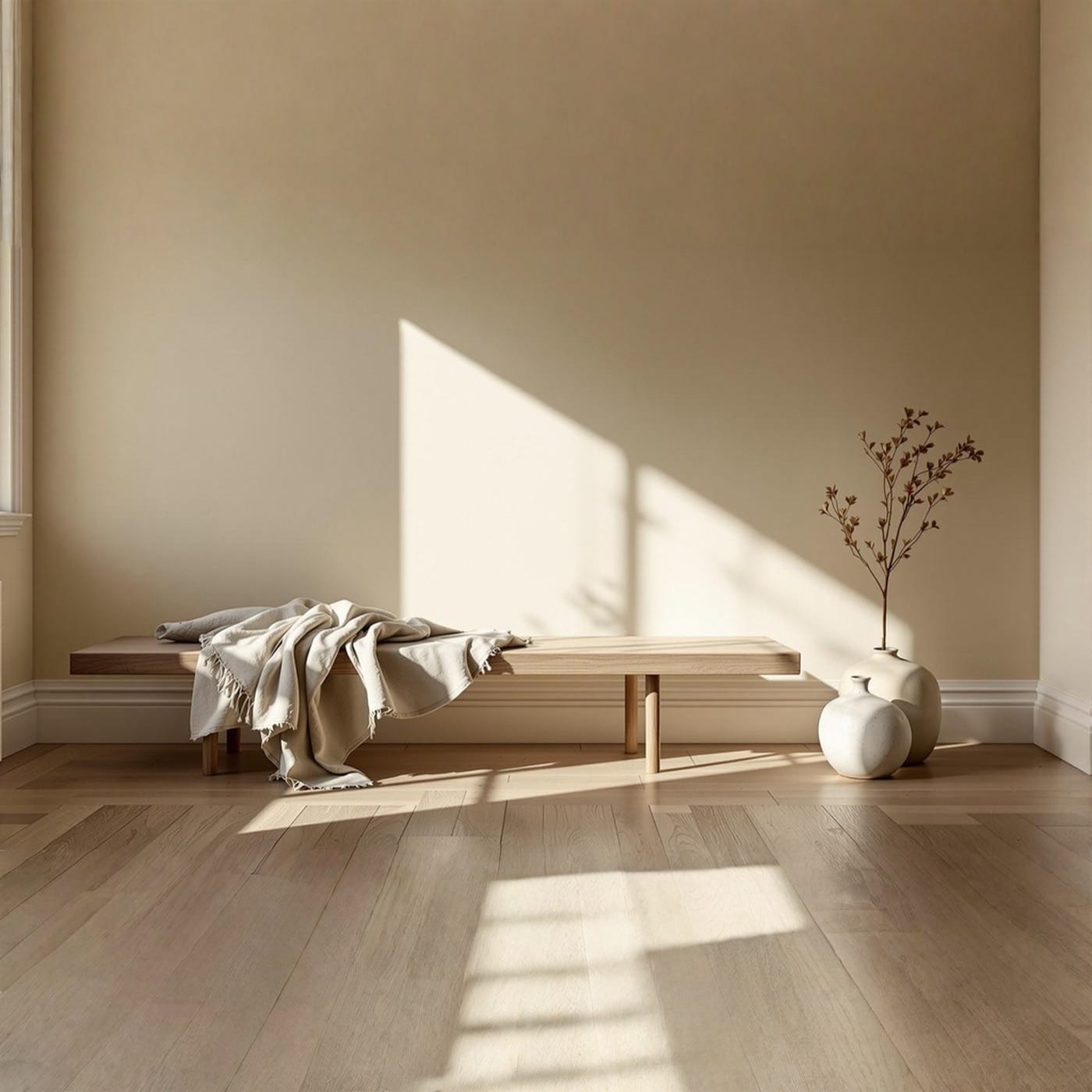
Extend a wide room to a square, with the new edges drawn in.
motif reframe room.jpg --square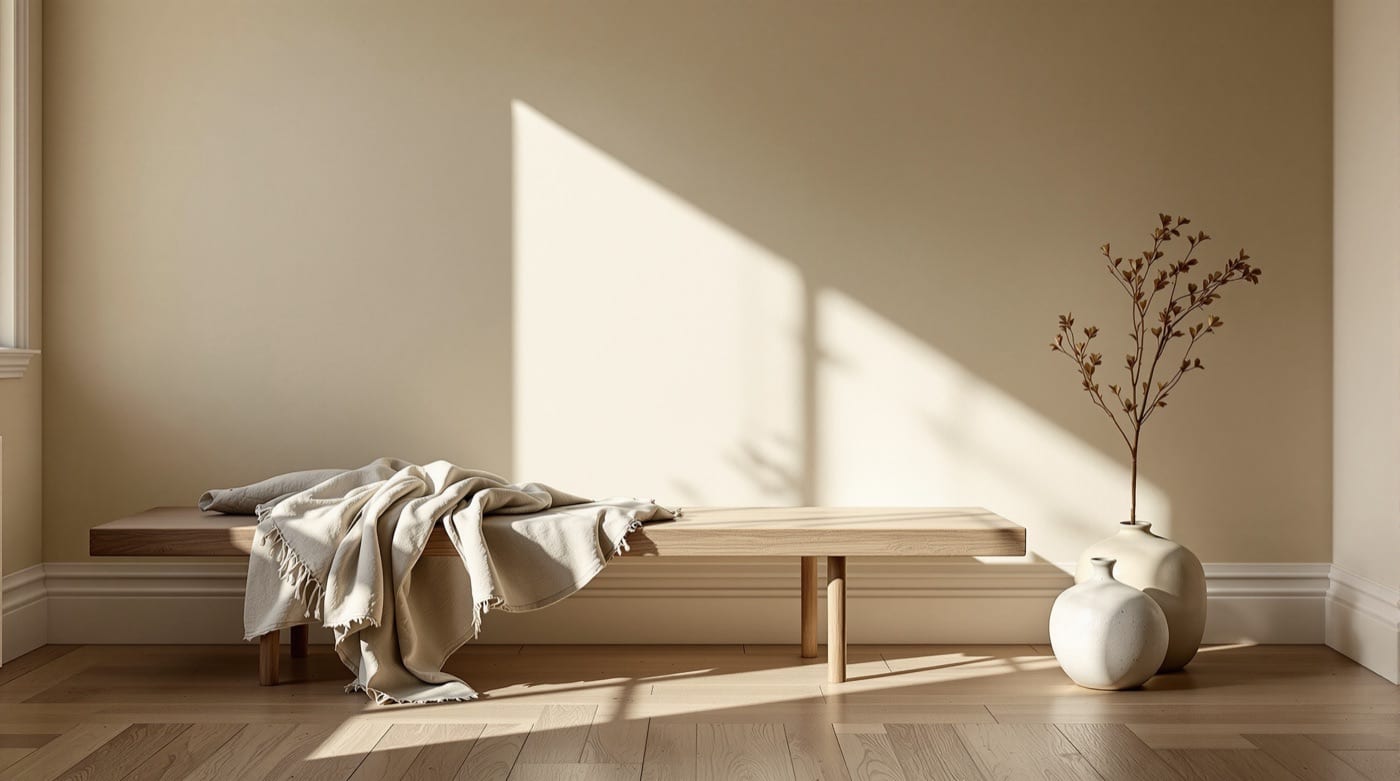
Options
| Flag | What it does |
|---|---|
--margin <px> |
Extend by pixels: one number, or top,right,bottom,left. |
--sizes <WxH,...> |
Several target sizes at once, e.g. 1080x1920,1200x630. |
-a, --aspect <ratio> |
Target ratio (auto, 1:1, 4:3, 3:4, 16:9, 9:16, 3:2, 2:3, 4:5, 5:4, 21:9, 4:1, 1:4, 8:1, 1:8). |
--cover |
Kindle/eBook cover: 2:3. |
--landscape |
Landscape: 16:9. |
--og |
Open Graph / social share: 16:9. |
--portrait |
Portrait: 2:3. |
--square |
Square: 1:1. |
--story |
Instagram/TikTok Story: 9:16. |
--wide |
Cinematic wide: 21:9. |
--tier <tier> |
Trade cost against quality: fast, balanced, quality. |
--dry-run |
Validate and price the call without running it. |
It also takes the common options.
Models and price
Motif picks the Model for the Tier. Prices are per image where a Model has one; any other shows how it is billed. A rate that depends on the size of the file or the length of the clip is a rate, not a total, so check it with a dry run.
| Model | Chosen at | Price |
|---|---|---|
| Ideogram v3 Reframe | Balanced | $0.060 |
| FLUX.2 Pro Outpaint | Balanced, with --margin |
$0.03 for the first output megapixel |
| Smart Resize | Balanced, with --sizes |
$0.15 per output image |
| Bria Image Expansion | Fast | $0.040 |
Dry run
Check the cost before you spend. The output path is where the file would go.
motif reframe room.jpg --square --dry-run --fields cost,costBasis,output{
"cost": 0.06,
"costBasis": "projected",
"output": "room-reframe.png"
}