Remove an object
Remove something and fill the gap.
Synopsis
motif erase [what] [image] [options]Example
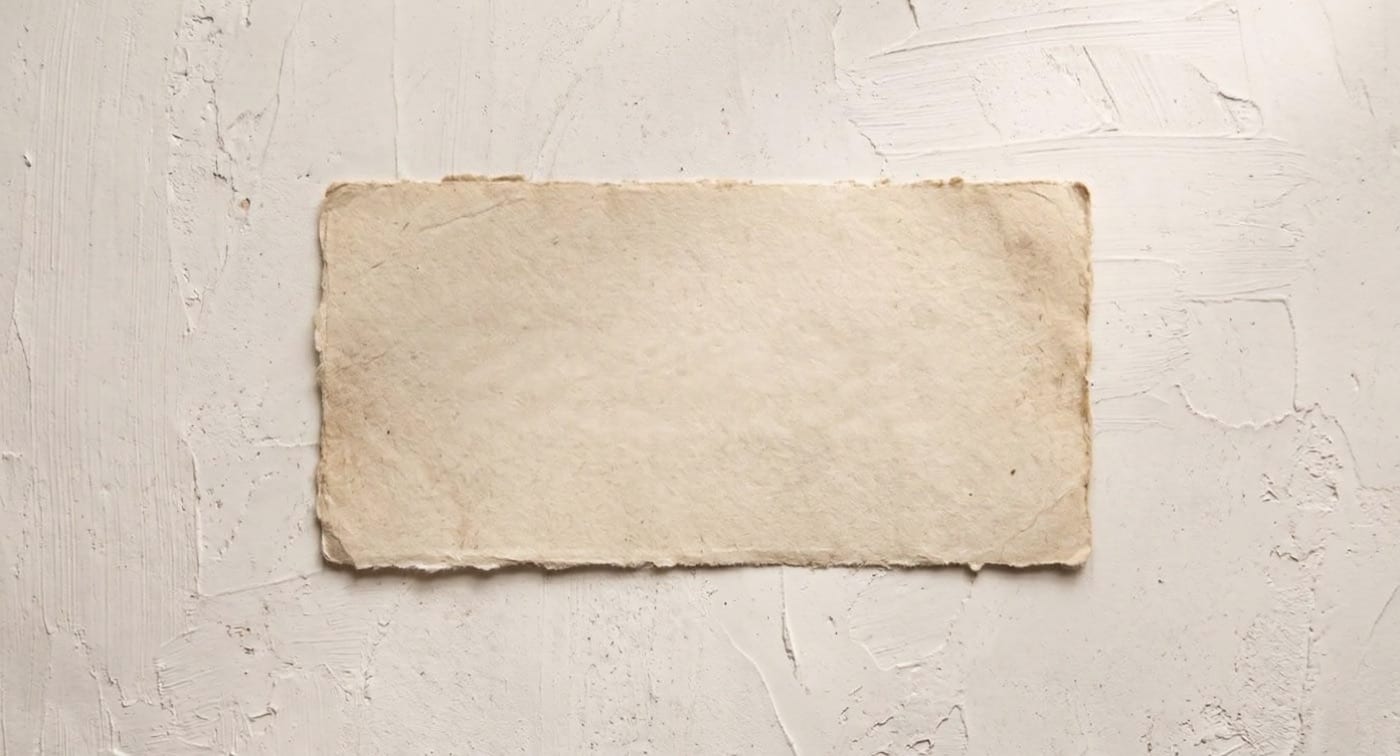
Take the printed label off the card and keep the paper.
motif erase --text label.jpg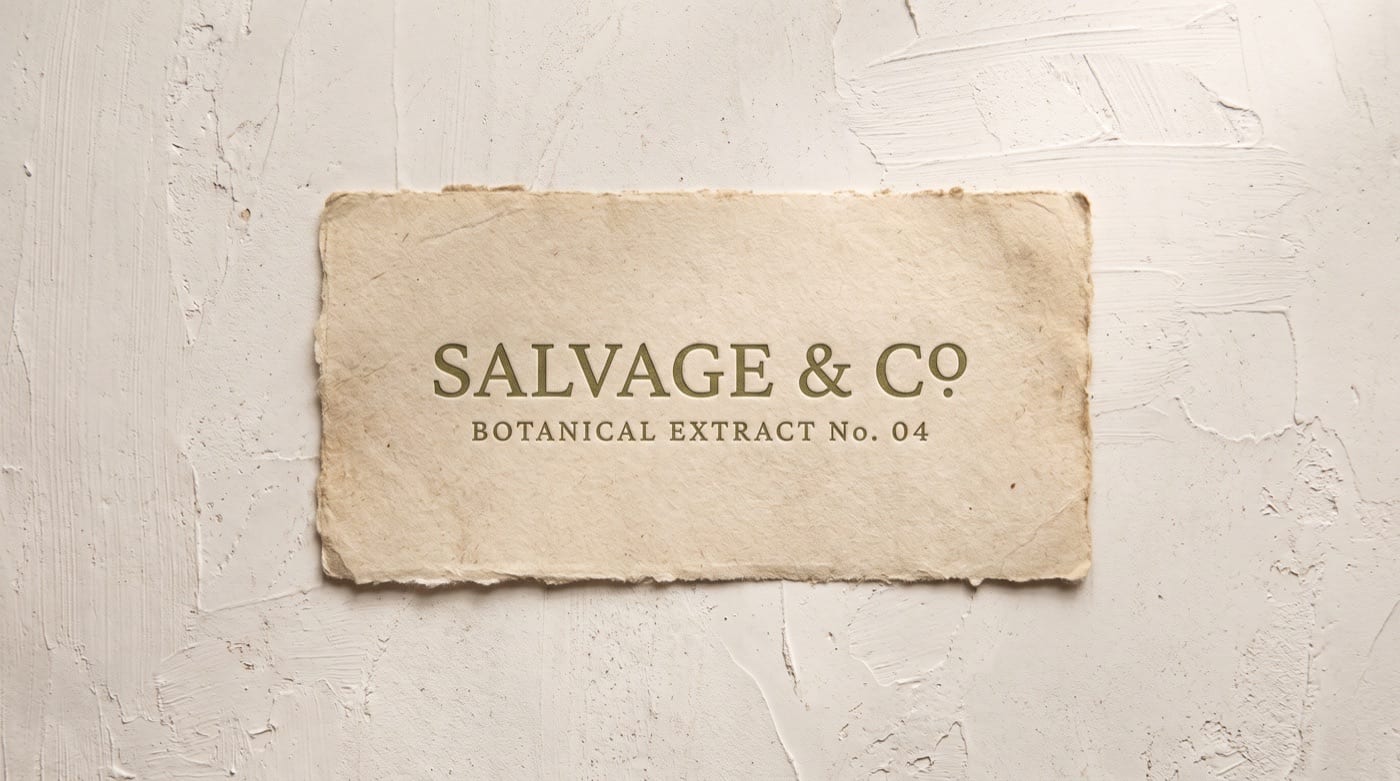
Options
| Flag | What it does |
|---|---|
--boxes <x,y,w,h;...> |
Remove whatever falls inside these boxes, in pixels. |
--text |
Remove all rendered text. |
--with <fill> |
Fill the masked region with this, described in words. |
--mask <path> |
Mask image: white marks what to remove. |
--tier <tier> |
Trade cost against quality: fast, balanced, quality. |
--dry-run |
Validate and price the call without running it. |
It also takes the common options.
Models and price
Motif picks the Model for the Tier. Prices are per image.
| Model | Chosen at | Price |
|---|---|---|
| Object Removal | Balanced | $0.024 |
| Object Removal by Mask | Balanced, when you pass a mask | $0.024 |
| Object Removal by Box | Balanced, with --boxes |
$0.024 |
| Text Removal | Balanced, with --text |
$0.040 |
| Bria GenFill | Balanced, with --with, when you pass a mask |
$0.040 |
| Finegrain Object Eraser | Quality | $0.270 |
| Bria Eraser | Quality, when you pass a mask | $0.040 |
Dry run
Check the cost before you spend. The output path is where the file would go.
motif erase --text label.jpg --dry-run --fields cost,costBasis,output{
"cost": 0.04,
"costBasis": "projected",
"output": "label-erase-text.png"
}