A matching set
A consistent set from a theme.
Synopsis
motif series run <theme> [options]
motif series <subcommand> [options]
Example
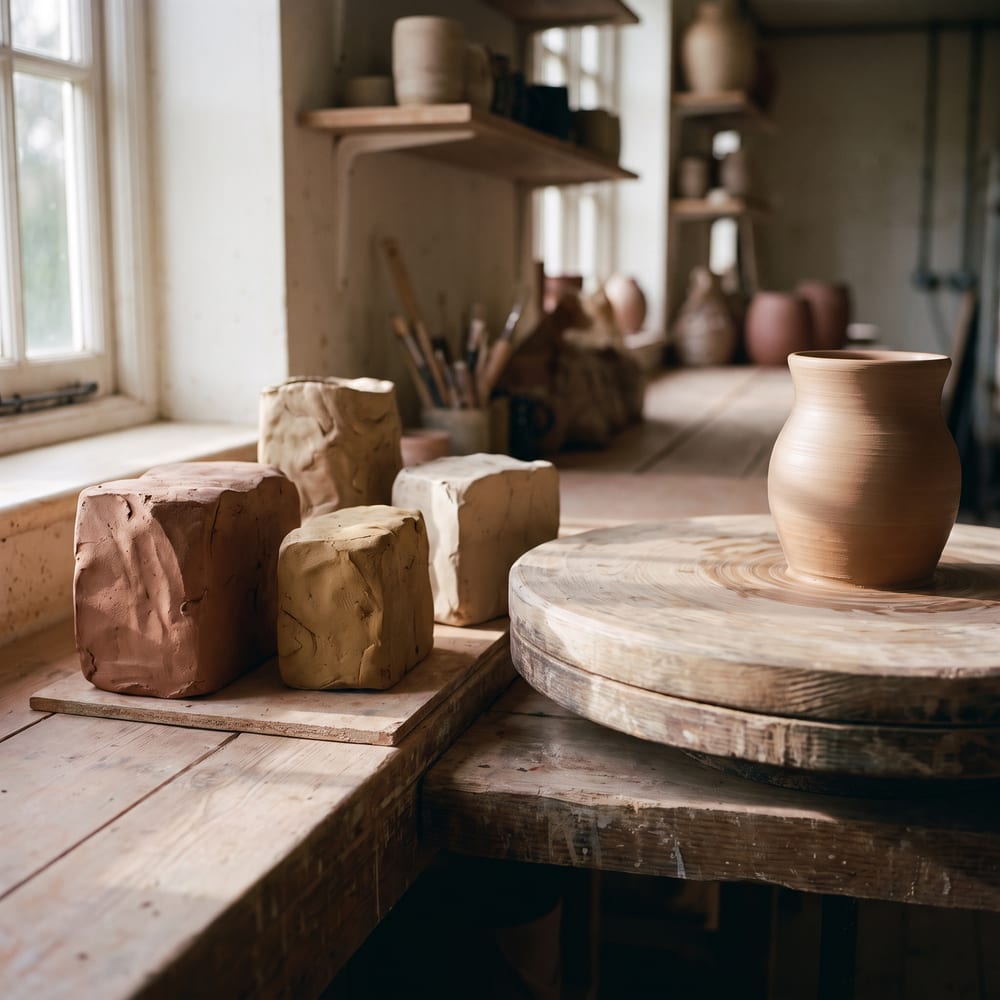
A themed set that keeps one style from the first image to the last.
motif series run "pottery on a plaster shelf" --count 4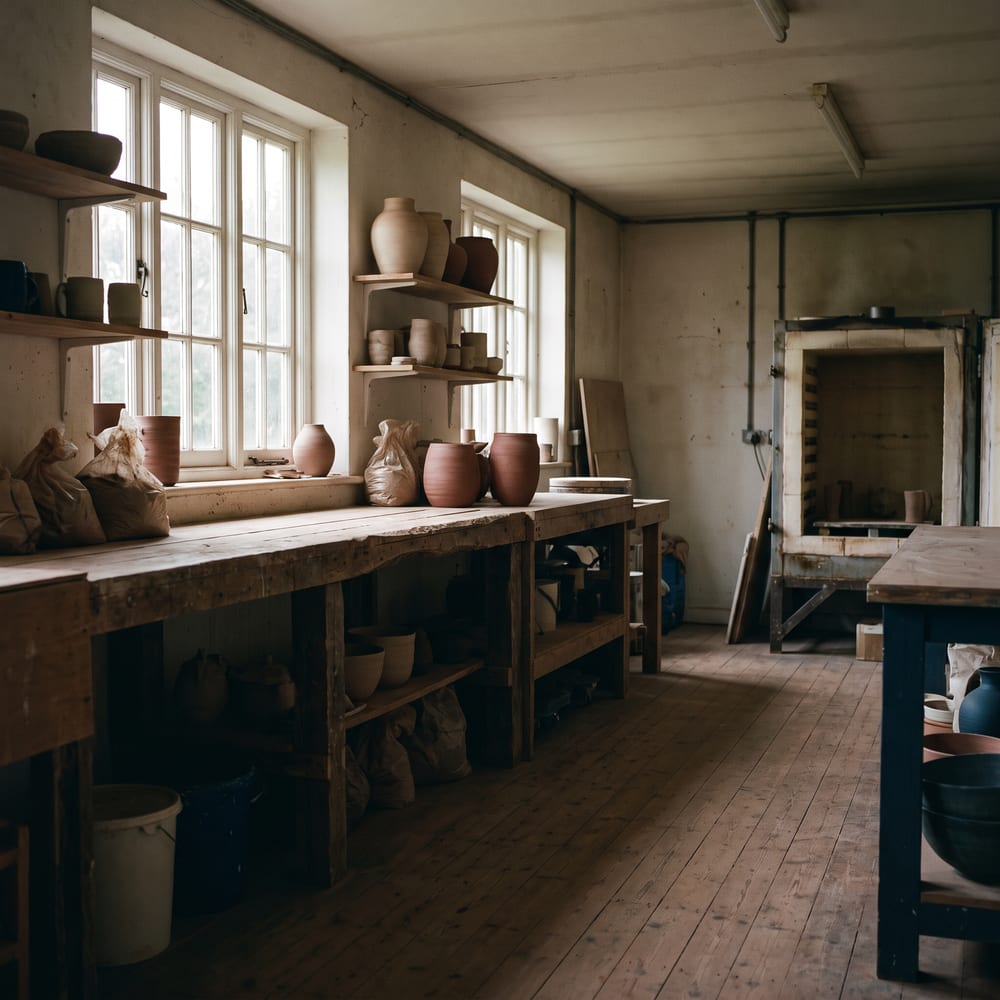
Subcommands
series run makes a themed set in one go. The other subcommands keep a named style, with reference images and its own history, so later images match it.
| Subcommand | What it does |
|---|---|
motif series create <name> |
Create a new series. |
motif series list |
List all series. |
motif series show <slug> |
Show series details. |
motif series ref-add <slug> <image> |
Add a reference image to a series. |
motif series ref-remove <slug> <filename> |
Remove a reference image from a series. |
motif series gen <slug> <prompt> |
Generate an image in a series with consistent styling. |
motif series run <theme> |
Plan and generate a themed multi-image series run. |
motif series history <slug> |
Show generation history for a series. |
motif series delete <slug> |
Delete a series and all its data. |
Options
These are the options for series run.
| Flag | What it does |
|---|---|
-c, --count <n> |
Number of images to generate (default: “4”). |
--series <slug> |
Existing series to run inside. |
--style <prompt> |
Shared style prompt for the run. |
--refs <tags> |
Comma-separated ref tags to include from an existing series. |
-a, --aspect <ratio> |
Aspect ratio. |
-r, --resolution <res> |
Resolution. |
--tier <tier> |
Trade cost against quality: fast, balanced, quality. |
--look <id> |
House look id, e.g. editorial. |
--mood <id> |
Light mood id, e.g. overcast. |
--no-mood |
Drop any mood, including the series’ pinned one. |
--dry-run |
Validate and plan without API call. |
It also takes the common options.
Models and price
series run uses the same Models as generate, so it costs what they cost, once for each image in the set.
Dry run
Check the cost before you spend. The output path is where the file would go.
motif series run "pottery on a plaster shelf" --count 4 --dry-run --format json | jq '{count, estimatedCost}'{
"count": 4,
"estimatedCost": null
}