Split a picture into layers
Split into transparent layers.
Synopsis
motif layers [image] [options]Example
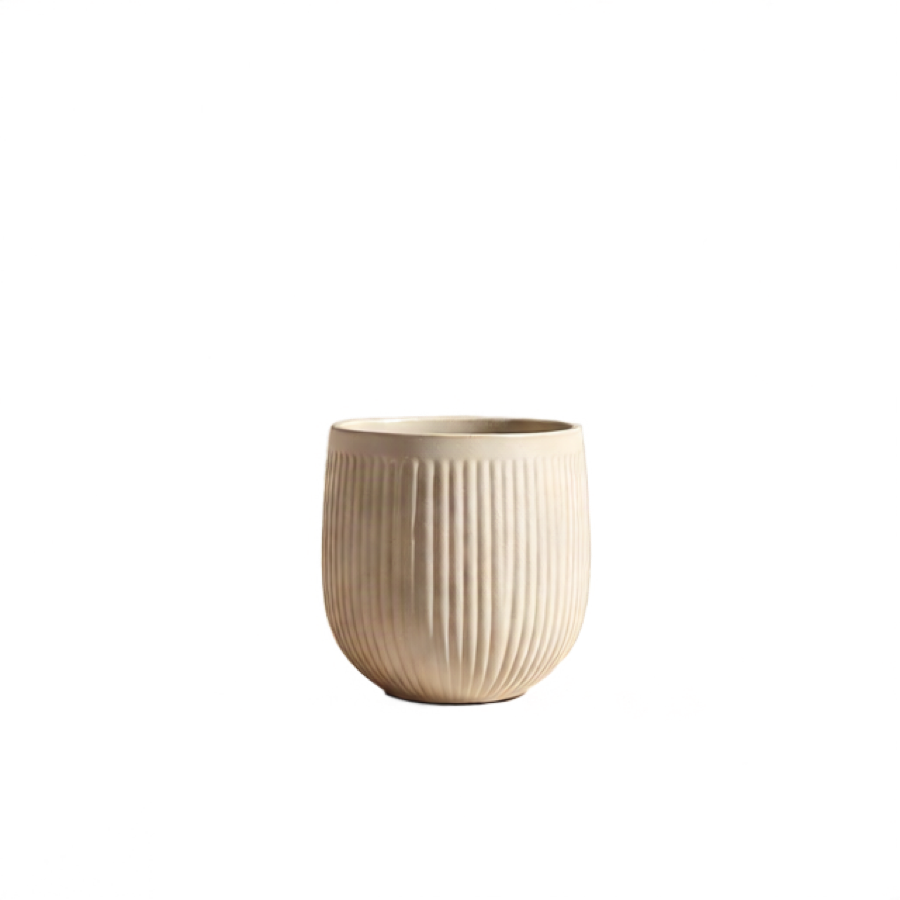
A still life split into backdrop, plinth and pot, each on transparency. This is the pot.
motif layers vessel.jpg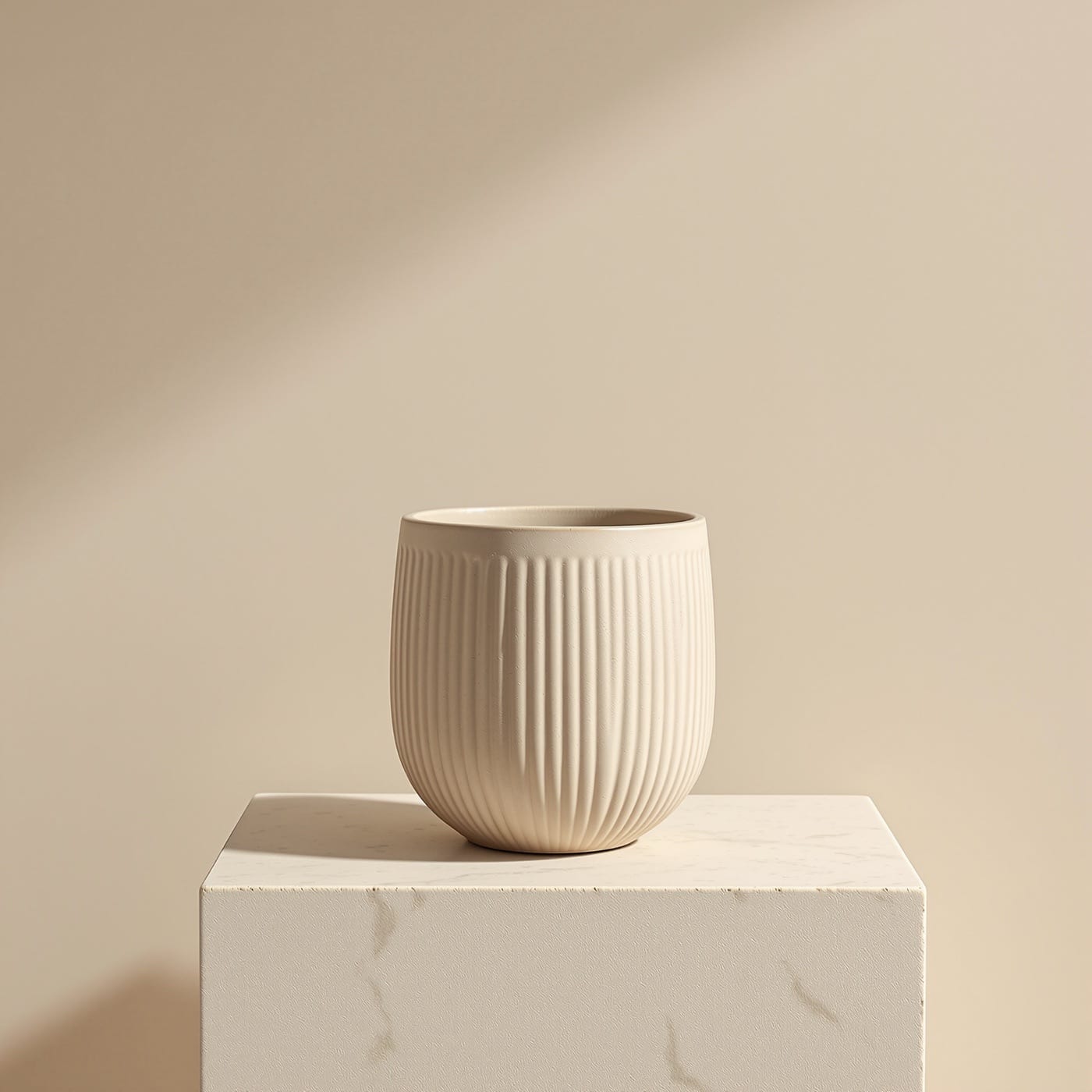
Options
| Flag | What it does |
|---|---|
--text |
Separate the text from the artwork. |
--tier <tier> |
Trade cost against quality: fast, balanced, quality. |
--dry-run |
Validate and price the call without running it. |
It also takes the common options.
Models and price
Motif picks the Model for the Tier. Prices are per image where a Model has one; any other shows how it is billed. A rate that depends on the size of the file or the length of the clip is a rate, not a total, so check it with a dry run.
| Model | Chosen at | Price |
|---|---|---|
| Qwen Image Layered | Balanced | $0.050 |
| Ideogram v3 Text Layerize | Balanced, with --text |
$0.090 |
| Seedream v5 Pro Layerize | Quality | $0.03375 per generated layer below 1536x1536 total area |
Dry run
Check the cost before you spend. The output path is where the file would go.
motif layers vessel.jpg --dry-run --fields cost,costBasis,output{
"cost": 0.05,
"costBasis": "projected",
"output": "vessel-layers.png"
}